
A WHM server can face three different operational problems: risky outbound mail, account data that must be recoverable, and faults that need diagnosis. Speed Host offers a separate tool for each job. This guide helps hosting administrators choose where to start.

Choose the tool for the problem
- Spam bursts, a compromised mailbox, or outbound gateway blocks: use WHM EmailDesk Sender to inspect cPanel sending and contain risky outbound mail. Current status: development beta.
- Account backups and recovery: use WHM BackupBee to schedule cPanel backups, track restore points, and review a guarded restore. Current status: free production pilot.
- SSL, DNS, website, mail, resource, or access problems: use CP Mate to gather server evidence and review a proposed repair. Current status: private Windows preview.
Each product has its own access requirements. Follow its product page for the latest release and availability details.
Protect outbound cPanel email before handoff
When a hosted mailbox is compromised, a sudden volume of outgoing email can affect a server and its sending reputation. WHM EmailDesk Sender evaluates remote outbound mail from cPanel identities locally before the assigned delivery route. Administrators can review traffic by cPanel user, inspect policy history, receive flood incident alerts, and hold uncertain messages in a root review queue.

An exact-email Incident Lock can contain one affected sender without disabling other mailboxes on the same domain or account. Approved mail uses one assigned route; a route failure does not silently fall back to another route. Gateway acceptance is a handoff outcome, not proof that a recipient received the message in their inbox. Explore WHM EmailDesk Sender and its beta access process.
Keep cPanel account backups tied to a restore plan
A backup schedule is useful only when your team knows what was captured, where the restore point is stored, and how recovery will be checked. WHM BackupBee creates incremental cPanel account restore points with daily or weekly jobs and explicit retention. It supports local staging plus SFTP or S3-compatible remote storage, with destination and transfer visibility.
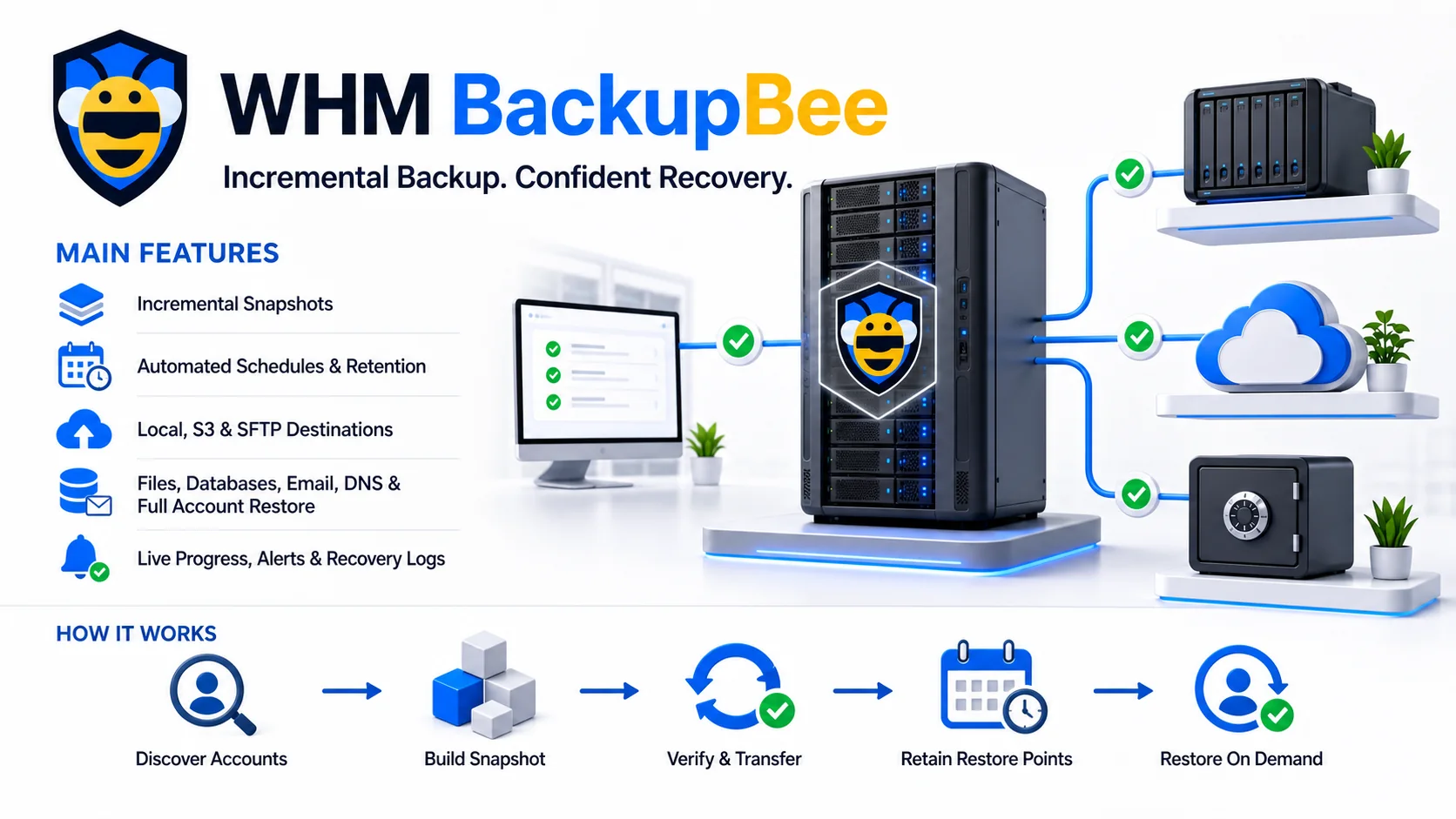
Supported account components include website files, databases, email, DNS, cron, and cPanel metadata. Its restore workflow includes preflight checks, staging, verification, and logs. The product is in a free production pilot. Keep an independent verified backup alongside it until you have tested backup and restore in your own environment. Explore WHM BackupBee and the current free release.
Diagnose hosting issues before changing the server
A website outage, expired certificate, DNS mismatch, mail failure, or high resource use can have several causes. CP Mate is a private Windows preview for inspecting available cPanel and WHM evidence from chat. It reports which checks were available, explains what supports an assessment, and identifies missing evidence.

CP Mate prepares repair proposals for a person to review. The preview does not execute live repairs automatically, and the checks available depend on the enrolled server and configured access. Read how CP Mate works and ask about preview access.
How the tools work together
Start with the symptom. If a site is failing, inspect server, DNS, SSL, and account evidence with CP Mate. If files or account data must be recovered, use a dated WHM BackupBee restore point and verify the result. If outgoing mail spikes or a provider blocks one mailbox, use WHM EmailDesk Sender to trace that identity and review the local policy outcome. These are separate workflows, so a hosting team can adopt the tool that addresses its immediate problem.
Common questions from hosting administrators
Can WHM BackupBee replace an existing backup today?
During the pilot, keep another independent backup that you have verified. Test both backup creation and a restore in your environment before relying on a new recovery workflow.
Does WHM EmailDesk Sender guarantee inbox delivery?
No. It protects and routes outbound mail locally. An external gateway accepting the SMTP handoff does not confirm that the recipient received the message in their inbox.
Will CP Mate repair a server automatically?
No. It gathers available evidence and prepares a proposed next step for human review. A server change remains a separate decision.