
Business mailboxes
Use addresses on your company domain, manage mailbox access, and work in webmail or compatible desktop and mobile clients. Inbound Spam/Junk handling stays visible in the workspace.
Explore business email hosting →EmailDesk · Business email
Set up professional mailboxes on your own domain, connect webmail and compatible email clients, and add authenticated sending or permission-based campaigns when your team needs them. Speed Host can help you review the right EmailDesk setup.
These illustrative interface views come from EmailDesk’s public product walkthrough. They show what your team can review during mailbox setup, application sending, campaigns and protection.
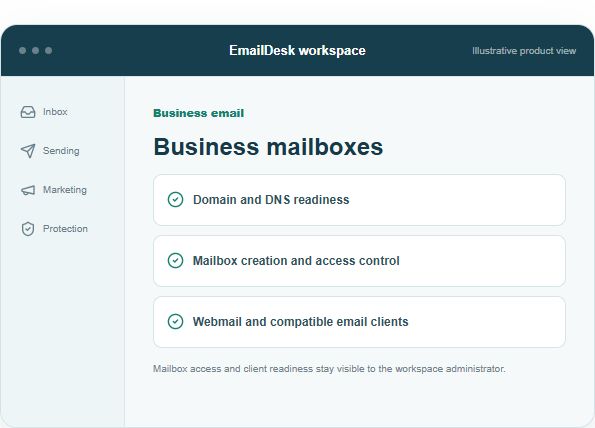
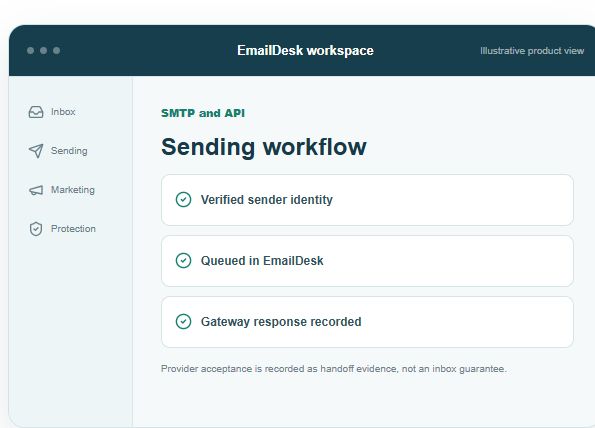
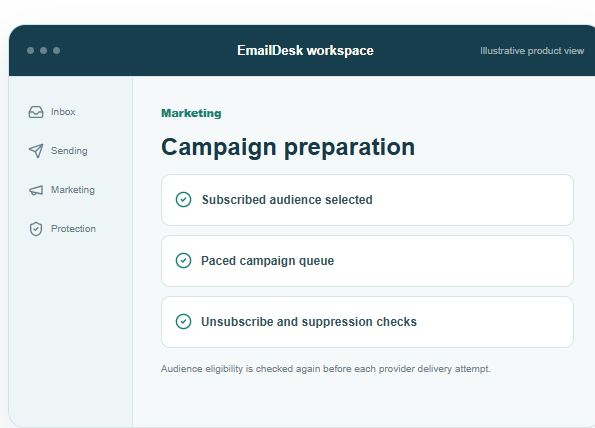
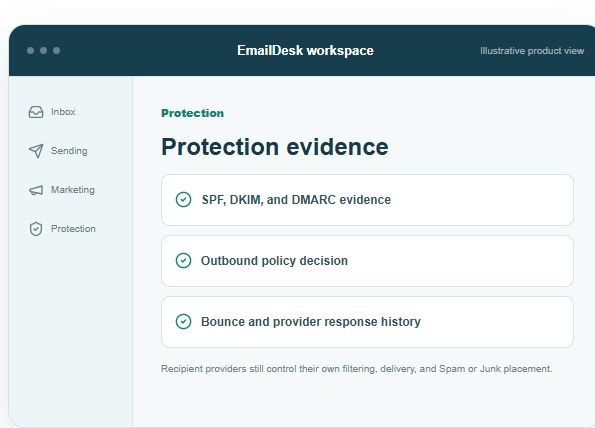
These are illustrative views without customer data. Explore the interactive EmailDesk preview →
Choose the email workflows you need now. The enabled products and technical setup are confirmed during onboarding.
Use addresses on your company domain, manage mailbox access, and work in webmail or compatible desktop and mobile clients. Inbound Spam/Junk handling stays visible in the workspace.
Explore business email hosting →Connect forms, applications, and business software through authenticated SMTP or API credentials and verified sender identities. Review queue and provider response evidence after a send.
Explore SMTP and app sending →Prepare subscribed audiences with contacts, segments, and templates. EmailDesk checks unsubscribe and suppression status and sends campaigns through a paced queue.
Explore email marketing →Review SPF, DKIM, and DMARC readiness, Spam/Junk decisions, bounces, complaints, and provider responses. A provider accepting a message does not guarantee inbox placement.
Explore deliverability tools →Start with your domain and current email workflow. DNS, migration, and enabled sending paths are reviewed before activation.
List your domains, current provider, mailboxes, users, apps, and any campaign needs.
Review domain ownership, MX where needed, SPF, DKIM, DMARC, mailbox roles, and verified senders.
Connect clients or applications, run controlled tests, and review provider, bounce, and protection evidence.
EmailDesk offers a guided free trial without a payment card. Its current BDT monthly prices and package limits are published on EmailDesk. Mailbox migration, product access, sending profiles, and operational scope are reviewed for your business before activation.
Yes. Your domain is reviewed and the required receiving and sending DNS records are prepared for the chosen setup. Existing records should be checked before changing them.
EmailDesk supports webmail and compatible desktop and mobile clients, including Outlook, Thunderbird, and Apple Mail. Client access is configured for each active mailbox.
Yes. Compatible software can use authenticated SMTP or the EmailDesk API with a verified sender. The sender identity and DNS requirements must be ready before production sending.
Supported migration paths depend on your current provider, mailbox size, and export format. Review the source and test imported folders before retiring your old mail service.
Tell us your domain, mailbox count, current provider, and whether you need app sending or campaigns. Our business email setup checklist helps you prepare. Speed Host can guide your enquiry, and EmailDesk provides the current product and pricing details.