
MessageDock is a shared customer inbox and lead workspace for business teams. It brings WhatsApp, Messenger, Instagram, email, connected phone call history, and SMS data together. Your team can reply with context, assign enquiries, turn them into leads, prepare quotations, and follow up from one place.
A setup request starts a review. Your workspace and channel connections are agreed and tested before use.
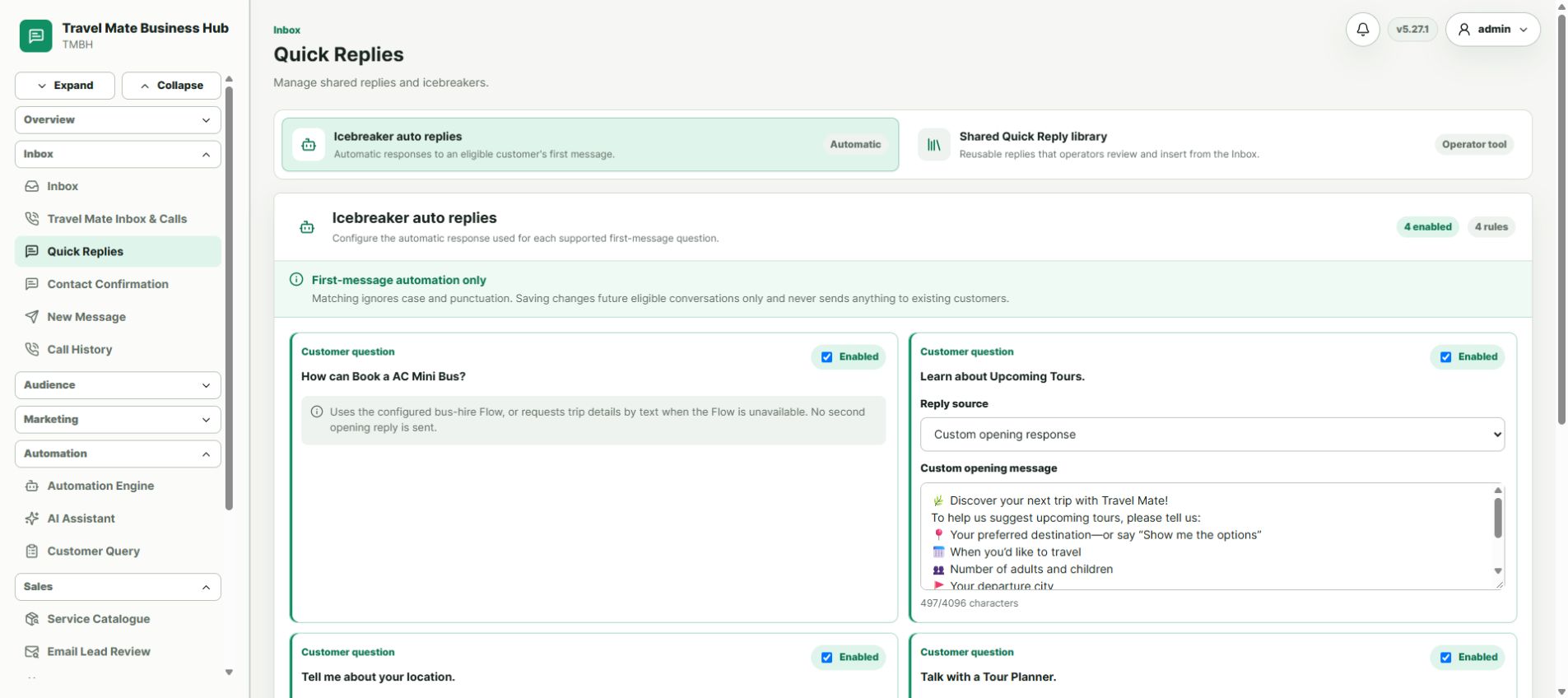
One inbox for the channels your customers use
Customers may contact your business in different places. MessageDock brings messages, call history, and SMS data into one working view, so the next person can see the context and continue the follow-up.
Handle customer conversations through an eligible WhatsApp Business Platform setup. We review your business account and number before connection.
Messenger
Bring enquiries from your business’s Facebook Messenger presence into the team’s inbound workflow.
Keep Instagram customer messages visible to the people responsible for replies and follow-up.
Work through inbound customer email in the same team process. EmailDesk is our separate service for business mailboxes on your domain.
Phone calls
Connect phone call history to create leads from call records and give your team a clear next step for follow-up.
SMS
Bring connected SMS data into the customer record, so your team can review message history alongside other enquiries.
Call history and SMS connections depend on your phone setup and permissions. We review the available options before connecting them.
What is inside MessageDock?
MessageDock combines the customer workspace and sales tools your team needs after an enquiry arrives.
Shared inbox and contacts
Handle connected conversations in a team view, keep customer history and profiles together, assign an owner, and add internal context.
Leads and sales
Track enquiries in a lead pipeline, use your catalogue, prepare quotations, and manage appointments or bookings when relevant.
Campaigns and automation
Use templates, eligible marketing campaigns, automated replies, and workflow rules to keep customer follow-up consistent.
Team and reports
Give staff appropriate access, review activity, and use reports to see conversations and opportunities that need attention.
How MessageDock supports growth
For example, a new customer calls or messages asking for a price. The contact can become a lead, the right team member takes ownership, prepares a quotation, and records the next follow-up. A manager can see which opportunities are still open. This helps the team respond promptly and keep interested customers moving through the sales process.
Your business URL and straightforward pricing
Your MessageDock workspace can use a branded subdomain such as inbox.yourcompany.com. The service has one setup fee and one monthly price for the listed modules, with no feature tiers.
BDT 15,000 one time
Account and channel review, workspace setup, connection plan, and initial testing.
BDT 1,500 per month
MessageDock service with the listed modules and your own business subdomain.
Any separate Meta or other platform messaging charges and account requirements are reviewed for your chosen channels before activation.
See it in context
Explore the MessageDock business growth presentation (PDF) for an overview of team conversations and lead follow-up. For a deeper look at one channel, read our WhatsApp Business API guide. Public sign-in examples include Muktodhara, Elite Jute, and Travel Mate; each business’s setup may differ.
Common questions
Is MessageDock a WhatsApp CRM?
Yes. MessageDock connects eligible WhatsApp conversations with customer profiles, team ownership, lead stages, and follow-up. It also brings Messenger, Instagram, email, connected call history, and SMS data into the same business workflow.
How can call history and messages become sales leads?
Connected call history can create lead records. Your team can keep message context with a contact, assign an owner, track the lead stage, and record the next follow-up. Connection options depend on your phone, accounts, and permissions.
Do I need every channel?
No. Tell us where your customers contact you. We review the accounts you have and connect the channels that fit your setup.
Is MessageDock the same as EmailDesk?
No. MessageDock is the team workspace for inbound customer conversations, including email. EmailDesk provides business email service for mailboxes on your domain.
Can I use my current WhatsApp number?
That depends on your account, number, and Meta eligibility. Tell us about the current setup before making a change.