
When more than one person answers the same WhatsApp number, the hardest part is often knowing who owns each enquiry and what should happen next. A simple process can prevent repeated replies and missed follow-ups.
Start with one place to see new enquiries
Agree on which number customers should use and where the team will review incoming conversations. If customers contact several personal numbers, important context can stay with one employee. Make the business number and response hours clear on your website.
Give each conversation an owner
Assign a person to the enquiry as soon as it arrives. The owner should understand the question, ask for only the details needed, and record the next action. If another teammate takes over, leave enough context for them to continue without making the customer repeat everything.
Use a small set of statuses
- New: no teammate has reviewed the enquiry yet.
- In progress: someone is preparing an answer, quote or appointment.
- Waiting for customer: the team needs a reply or missing detail.
- Follow up: a specific date and owner are set for the next contact.
- Closed: the request is complete or the customer no longer needs help.
Keep the meaning of each status consistent. More labels are useful only when they change what the team does next.
Write a useful first reply
A good first reply acknowledges the request, answers what you can, and says what information or timing comes next. For example, if a customer asks about hosting, confirm whether the site is new or being moved, which platform it uses, and whether business email must move too. Avoid a generic reply that forces the customer to start over.
Make follow-up visible
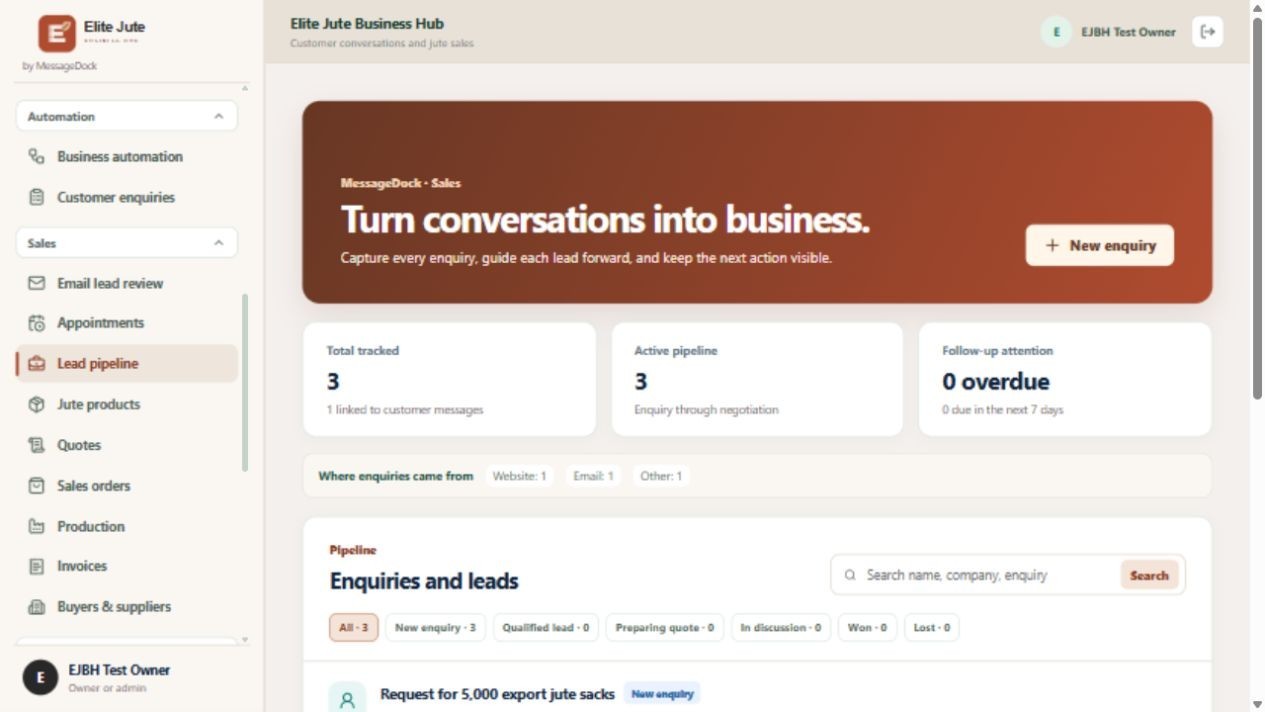
Before ending a workday, review conversations without an owner or next action. Decide who will follow up and when. Measure useful outcomes such as enquiries answered, conversations waiting too long, and requests that became qualified leads. A large message count alone does not show whether customers were helped.
Respect customer data
Give team members only the access they need, keep customer details within approved business tools, and follow the messaging and privacy rules that apply to your business. Before sending promotional messages, confirm that you have the appropriate permission and that the message fits the platform’s rules.
Want a shared workflow? Explore MessageDock for WhatsApp enquiries and tell Speed Host how your team handles messages today.